- Fast and easy editing: cut, crop, adjust colors and speed
- One-click AI tools: auto subtitles, noise removal, and more
- Hundreds of filters, transitions, titles, overlays
Online Slideshow Maker
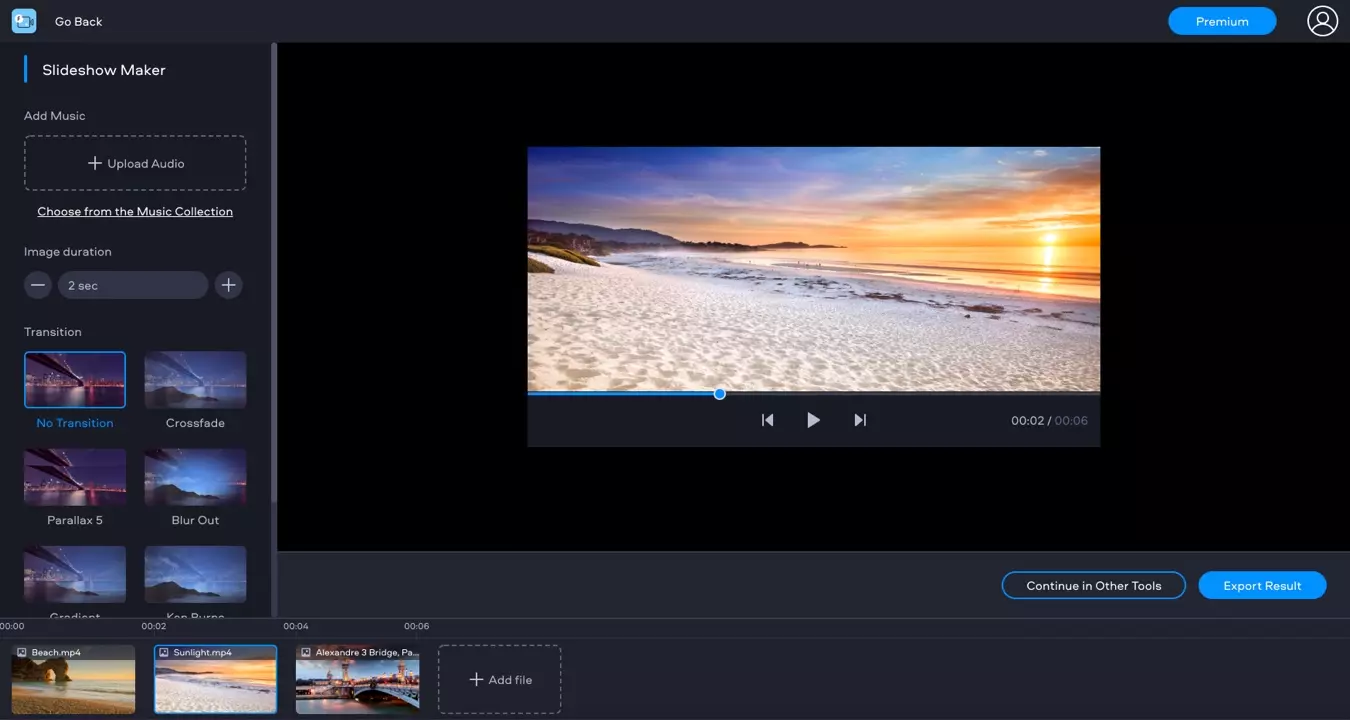
How to Make a Slideshow with Music Online
1. Upload Your Files
Click Add Your Files and select the videos and/or photos you want to use in your slideshow. You can add MP4, JPEG, PNG, MOV, MKV, AVI, WMV, and GIF files up to 500 MB total.
2. Generate a Slideshow
Choose the transition type and the image display duration. Add your own music or choose something from the built-in collection. Click Continue.
3. Save the Result
Choose the export option to download the video.
Why Use Fastreel As a Slideshow Maker?

More Video-Editing Tools
Make a video
Compress a video
Cut a video
Change video spped
Merge videos
Reverse a video
Add music to a video
Rotate a video
Resize a video
Loop a video
Add text to a video
Make a stop-motion video
Add a watermark to a video
Add filters to a video
Mute a video
Add subtitles to a video
Crop a video
Flip a video
Convert image to a video
Make a video collage
Make a split-screen video